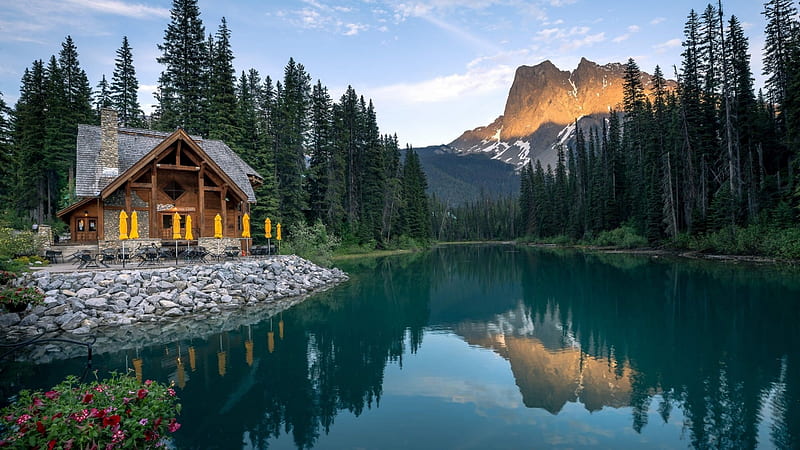
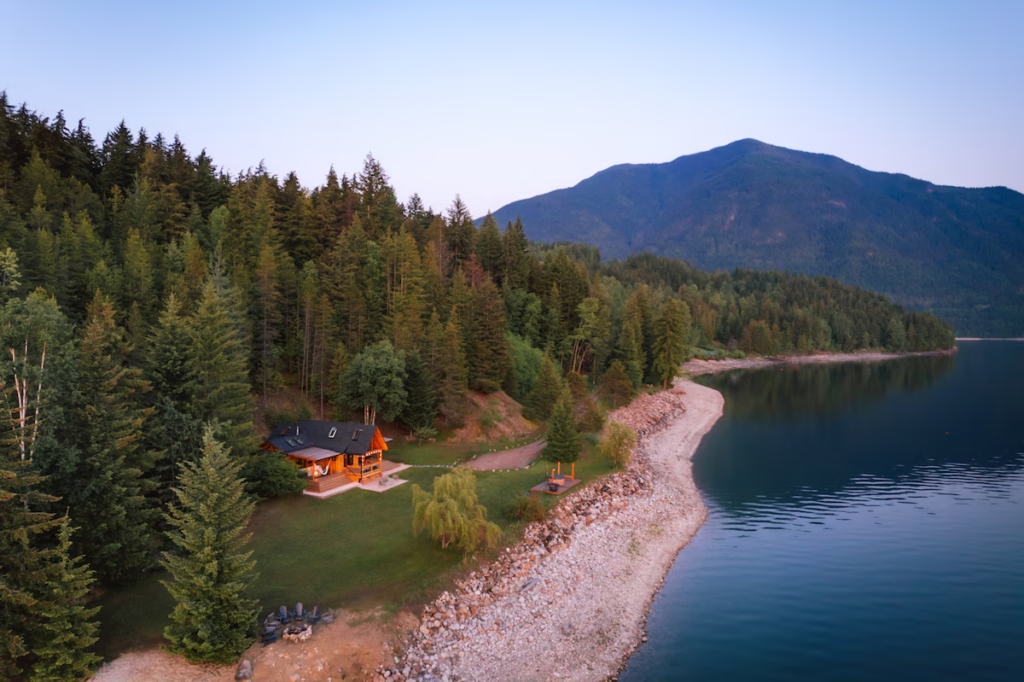
Enjoy a smooth and reliable experience to book the perfect land or cabin for bird hunting in Canada.
We provide a trusted platform connecting owners with hunters in an easy and fast way.
Booking Made Easy
Choose your dates, view available properties, and book in minutes.
Prices are calculated automatically based on the stay duration.
Perfect for Every Hunting Trip
Find properties with different sizes, locations, and special features that match your hunting style and needs.
1. List Your Land or Cabin
Add your property details, photos, location and availability
2. Welcome the Hunters
Approve reservations and communicate with your guests.
3. Earn Money Effortlessly
Receive payments securely and enjoy steady income
Keep Everything Under Control
Listing Management
Full control of availability, prices, and details.
Booking System
Approve or decline reservations easily.
Prices and Fees
Clear pricing and simple fee system for all properties.
Payments are processed securely through the Homey system. When a booking is confirmed, the payment is collected from the guest and held safely until the check-in date. After the guest arrives, the payment is released to the host.
You can track all transactions and earnings from your dashboard at any time.
You can communicate directly with hunters through the Homey messaging system. Once a booking request is made, you will receive a notification and can send messages, ask questions, or provide instructions. All communication is stored safely within your dashboard for easy reference.
Payments are transferred securely to the host after the guest checks in. You can track all earnings and transaction history from your Homey dashboard at any time. The system ensures payments are safe and reliable for both hosts and hunters.
Anyone who owns land or a cabin can become a host. Simply create an account on the website, go to your Homey dashboard, and click “Add New Listing”. Fill in your property details, upload photos, set availability and pricing, then submit for approval. Once approved, your property will be visible to hunters and ready for bookings.
You can contact your guests directly through the Homey messaging system. Once a booking is confirmed, you will receive notifications and can send messages, ask questions, or provide instructions. All communication is saved safely in your dashboard for future reference.
o cancel a reservation, go to your Homey dashboard, open the booking details, and click “Cancel Booking”. Follow the instructions to confirm the cancellation. The system will handle any refund according to the cancellation policy.
List Your Property Now
Start earning and support the hunting community in Canada.